

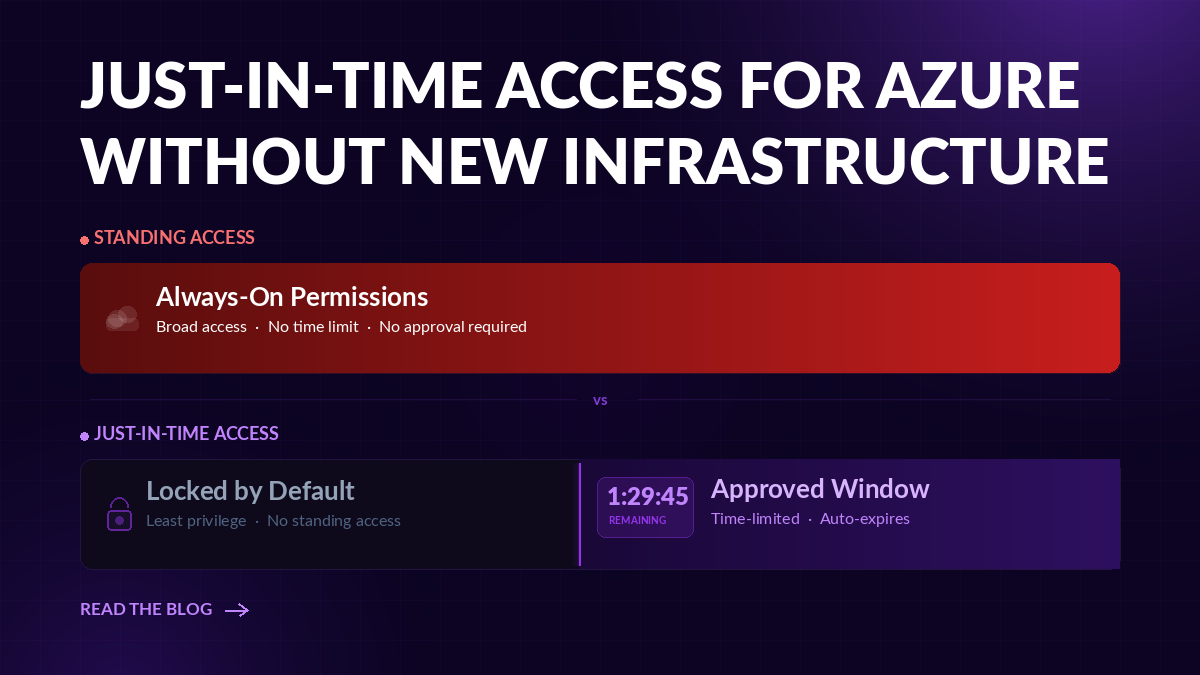
Most Azure environments have a standing privilege problem, and it’s not really a security failure, it’s just how things go. An engineer gets access to do something, gets it done, and the access sticks around. Not because anyone made a call to keep it. Just because removing it felt risky, and no one had time to deal with it. Multiply that across hundreds of identities and a few years of cloud growth, and you’ve got a very large, very quiet attack surface.
Just-in-time access for Azure is how you change that default. Instead of access that exists whether or not it’s being used, JIT means access is approved, scoped to the task, time-limited, and automatically gone when the work is done.
This article covers what JIT access actually means in Azure, why standing privilege is the real risk (and why it’s not just an admin problem), and how you reduce it without bolting on more jump boxes, proxies, or infrastructure layers.
What Is Just-in-Time Access for Azure?
The simplest way to put it: standing access means a permission is available every moment an identity exists, whether or not there’s active work that justifies it. JIT flips that.
With a JIT model:
- Access is granted on request: a user, process, or automation asks for what they need and explains why.
- It’s scoped to the task: not a broad role covering everything in the neighborhood, just what’s actually needed.
- It expires automatically: the window closes without anyone having to remember to close it.
- It’s auditable: there’s a record of who asked, why, who approved, and when it ended.
The goal isn’t to slow your engineers down. It’s to close the gap between when access is used and when it sits open doing nothing. Which is most of the time.
Why Standing Privilege Is the Real Azure Access Risk
When an identity gets compromised in Azure, the damage is bounded by what that identity can do. That’s the blast radius. And in the majority of environments, it’s enormous because most identities are overprivileged.
Standing privilege means the access is ready the moment someone (or something) shows up with valid credentials. That’s true across every identity type:
- Human users: engineers and admins with roles that made sense when assigned and were never revisited
- Service principals: application identities that often carry more than their actual workload requires
- Managed identities: frequently over-permissioned, rarely audited
- CI/CD pipelines and automation: permissions left over from a deployment that finished months ago
- Vendor and third-party access: external identities that may retain access long after the engagement ends
- AI agents: increasingly common in Azure, often carrying IAM roles that far exceed what their actual task needs
The pattern is the same across all of them. Permissions were assigned for a reason, that reason changed or ended, and the permissions stayed. Every unused permission is standing risk. It doesn’t matter whether the identity gets used daily.
Least privilege is the right answer. JIT is how you actually get there without blocking legitimate work.
JIT and Traditional PAM: Why Azure Access Needs a Different Model
Traditional Privileged Access Management was built for a different problem: mainly protecting admin credentials for on-premises infrastructure. Servers, databases, network devices. The approach was credential vaulting: store passwords centrally, broker the session, record what happened. Control the privileged path in, reduce the risk.
That model made sense when an attacker gaining an admin password and SSHing into a server was the primary threat.
Cloud changed the problem. In Azure, the permission itself is often the risk: not the credential used to authenticate. An identity can authenticate through SSO or a managed identity with no password at all, and still be able to:
- Read secrets from Key Vault
- Modify role assignments and escalate further
- Access storage across the entire subscription
- Spin up or delete infrastructure
A jump box controls how someone connects. It doesn’t control what they can do once they’re in. Those are two different problems.
Cloud PAM (Cloud Privileged Access Management) is built for the second one. Rather than brokering sessions, it operates at the permissions layer enforcing least privilege across every identity, scoping access to what’s actually needed, and enabling JIT grant and revocation at the IAM level. The entry point isn’t the risk. What the identity is capable of doing once it’s in is the risk.
Native Azure JIT Controls Help, But They Don’t Solve Every Permission Problem
Microsoft provides two native capabilities worth knowing:
Microsoft Entra Privileged Identity Management (PIM) lets you make privileged directory and Azure resource roles eligible rather than active. An eligible user can activate the role for a limited window, usually with an approval step and a justification. When the window expires, access lapses and the user returns to their baseline. PIM is a meaningful control and should be part of any serious Azure JIT strategy.
Microsoft Defender for Cloud JIT VM Access is a different capability entirely. It controls temporary network-level access to VM management ports: locking RDP and SSH by default and opening them only on approved request. It’s a network control, not a permissions control. It limits who can connect to a VM. It doesn’t govern what that identity can do once authenticated.
Both are worth deploying. Neither fully closes the permissions gap.
The gaps that persist even with native controls:
- Unused permissions outside of Azure RBAC roles: not everything runs through eligible role assignments
- Non-human identities: service principals, managed identities, and automation rarely flow through PIM
- Cross-cloud scale: organizations running workloads across Azure, AWS, and GCP need consistent enforcement, not three separate native tooling approaches
- Permissions that are active but no longer needed: PIM manages activation windows; it doesn’t identify or remediate permissions that were granted standing and never right-sized
Beyond Azure native JIT controls or traditional PAM is a permissions-first model. Sonrai’s Cloud Permissions Firewall is one example of this approach. It restricts sensitive permissions at the role-definition level by default, then restores them on demand when a legitimate need comes in. If your PAM and access strategy stops with jump boxes or PIM, you’ve controlled the entry point (for human users) wihout actually managing what an identity can do with their access. Your potential blast radius is still there.
JIT Beyond Human Admins: Machine, Third-Party, and AI Identities
JIT access conversations usually default to named administrators. But in most Azure environments, the majority of identities aren’t humans.
Service principals, managed identities, automation accounts, CI/CD pipelines, vendor identities, and AI agents represent a large share of the identities holding meaningful permissions, and they’re significantly less likely to be reviewed, right-sized, or enrolled in PIM workflows.
An overprivileged service principal doesn’t have to be actively used every day to pose risk. The permissions exist. If that identity is compromised through a leaked credential, a supply chain attack, or a misconfigured application, the blast radius is determined by what it’s allowed to do, not how often it logs in.
AI agents are the same. They operate through IAM roles and service accounts, authenticate, make API calls, and take actions across your environment. An agent’s effective permissions should reflect what its actual workload requires, not whatever was convenient at deploy time.
A JIT model that covers human admins but leaves service principals and agents with standing access has addressed a fraction of the actual problem.
Azure JIT Best Practices
The most common reason JIT programs stall isn’t technical: it’s operational friction. If requesting access takes longer than just asking for standing permissions, people will find a way around it.
Right-size roles before making them eligible. PIM is more effective when the underlying roles are already scoped appropriately. An eligible assignment to Owner is still an eligible assignment to Owner. Before enrolling roles in PIM, ask whether the role itself is right-sized, or whether a custom role would reduce the blast radius on activation.
Require justification and approval context. Asking “why do you need this” creates accountability without necessarily adding delay. The record matters too: for audit, for access reviews, and for spotting patterns where standing access might actually be warranted.
Bring non-human identities into the review process. Service principals and managed identities deserve the same scrutiny as human roles. Identify what permissions they hold, whether those permissions are actively used, and whether a JIT or on-demand pattern could replace standing access for sensitive operations.
Use workflows teams already use. If the access request process lives somewhere no one has bookmarked, it’ll get bypassed. Approval flows that surface in Slack, Teams, or existing ITSM tools have materially higher adoption than standalone portals.
Match time windows to the work, not a calendar default. A 4-hour activation window for a deployment that takes 20 minutes is just standing access with extra steps. Shorter windows reduce exposure and build the right habit: access is temporary by design, not by exception.
Review eligible assignments that are never activated. An eligible role that’s never been activated probably isn’t needed. Periodic reviews of eligible assignments, not just active ones, are a useful right-sizing signal.
Get Azure JIT Without Adding New Infrastructure
Standing privilege is all too often the default. Access gets granted, the work gets done, and removing it feels riskier and more disruptive than leaving it. JIT changes that default: making temporary, scoped, approved access the normal pattern rather than the exception.
The core shift is at the permissions layer. Authentication controls matter. Session controls have their place. But neither one addresses what an identity is allowed to do once it’s in your environment. Cloud PAM controls, done right, enforces least privilege across every identity type, supports on-demand access through the workflows teams already use, and treats every unused permission as risk worth reducing.
For Azure, native controls like Entra PIM and Defender for Cloud JIT VM access are a solid foundation. But non-human identities, cross-cloud consistency, and right-sizing before enrollment are where a permissions-first approach adds the most value.
If you’re looking for a dedicated solution to managing cloud privilege at the permissions level, Sonrai’s Cloud Permissions Firewall offers it. Azure native controls restrict unused permissions and a permissions-on-demand workflow grants JIT access for new or temporary needs. Get security without development interruption.
See the Cloud Permissions Firewall platform.

Frequently Asked Questions
What is the difference between an eligible and an active role assignment in Azure?
An active role assignment means the identity holds that Azure RBAC role continuously: permissions are always available. An eligible assignment means the identity can activate the role for a time-limited window, typically with an approval step and justification, but doesn’t hold active permissions in between. Eligible assignments are how Entra PIM enables just-in-time access for privileged Azure roles.
Does Microsoft Entra PIM require a license for just-in-time access?
Yes. Entra PIM requires a Microsoft Entra ID P2 license (or Microsoft Entra ID Governance) for each user managed by or benefiting from PIM controls, including approvers. Microsoft 365 E5 and Azure AD Premium P2 plans include Entra ID P2. Organizations without those licenses can still create time-bound active assignments manually, but they won’t get the automated eligibility activation, approval workflows, or audit trail that PIM provides.
What is the difference between Entra PIM and Defender for Cloud just-in-time VM access?
They solve different problems. Entra PIM governs Azure RBAC role assignments: it controls whether an identity has an active privileged role and for how long. Defender for Cloud JIT VM access governs network-level port access to virtual machines: it locks management ports (RDP, SSH) by default and opens them temporarily on approved request. A complete JIT posture typically needs both: PIM to manage what identities are allowed to do, and Defender JIT to control how they connect to compute resources.
Which Azure permissions should be protected with just-in-time access first?
Start with permissions that can alter your security posture or be used to escalate privilege further. In Azure, that includes role assignment modifications, Key Vault secret access, subscription-level actions, and anything that can create or modify managed identities. Roles like Owner, User Access Administrator, and any custom roles with broad * actions are the highest priority: these carry the largest blast radius if an identity gets compromised.
What are the most common Azure JIT access mistakes?
Enrolling broad roles in PIM without right-sizing them first. Ignoring non-human identities. Setting activation windows that are too long. Skipping access reviews on eligible assignments. Treating JIT as a human-admin-only program.
Does Sonrai support just-in-time access for Azure?
Yes. Sonrai’s Cloud Permissions Firewall enforces least privilege natively in Azure using Azure’s own policy mechanisms. It identifies unused permissions across every identity type (human, service principal, managed identity, AI agent), quarantines standing access at the policy layer, and restores it on demand through a JIT approval workflow in Slack or Teams. No agents, no proxies, no new infrastructure required.